
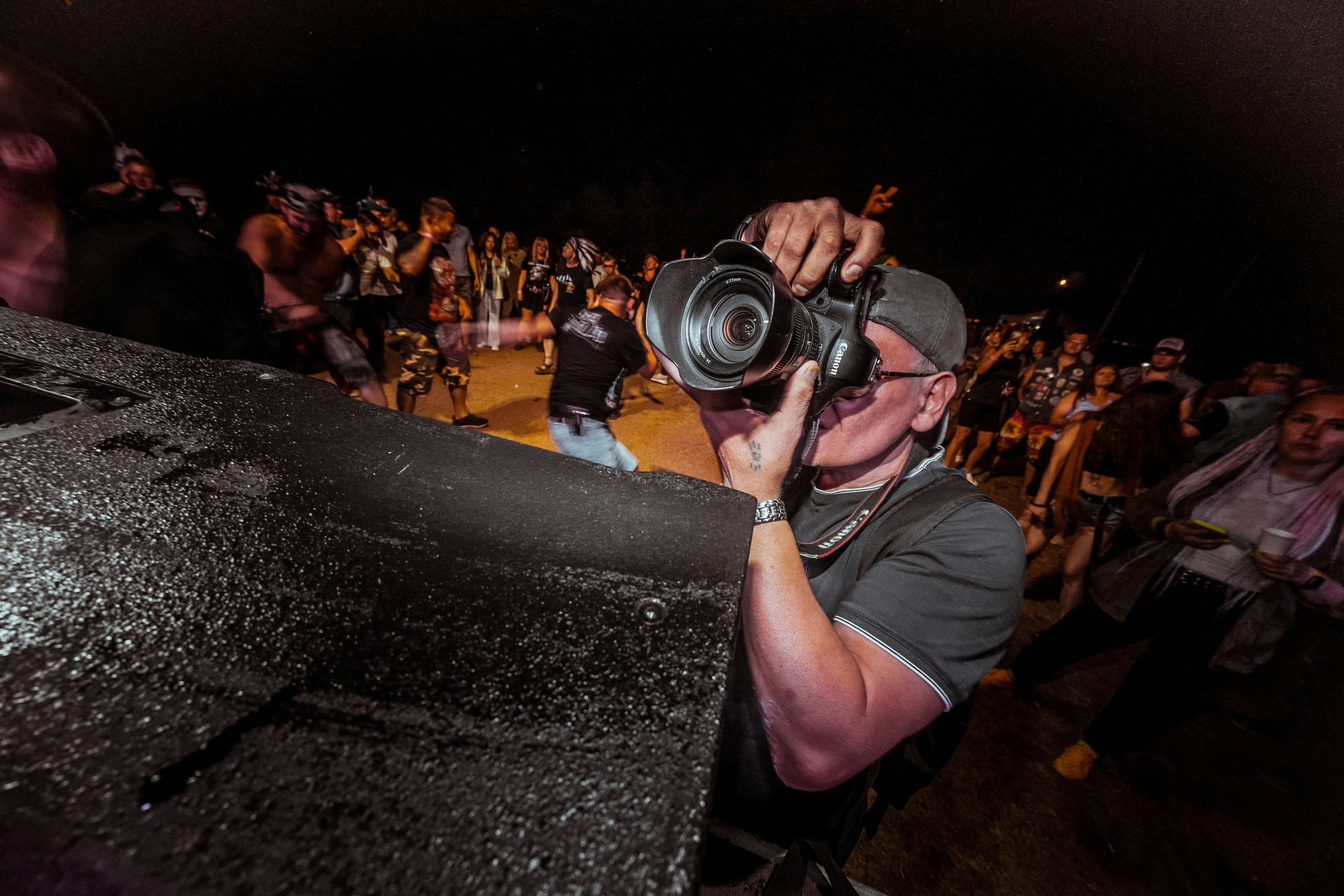
How to organize event photos to sell starts before any gallery goes live.
Photographers and teams covering races, graduations, concerts or corporate events face the same bottleneck: disorganized folders, inconsistent file names and slow culling processes delay publication.
This guide shows you how to structure your photo archive, standardize file names and apply simple automation to scale your operation without losing control.
Why Event Photo Organization Becomes Chaotic, and How to Fix It
Every event photography operation eventually reaches the same obstacle.
The volume of photos increases, the team changes and the old way of storing files stops working.
This is not a failure in the event photography workflow as a whole, but a specific bottleneck in the stage immediately after capture: organizing the material before publication.
In the beginning, when there are only a few events per month, almost any improvised method works.
One folder per event, a few generic file names and the memory of the person who covered the event are enough to find what is needed.
The problem appears when the volume doubles or triples.
The same approach that worked for five events a month can completely break down with twenty because it depends on individual memory rather than a system that can be replicated by the entire team.
There is also an emotional cost to this chaos, beyond the operational one.
Searching for a missing file under deadline pressure creates unnecessary stress, especially when the client is already waiting for the gallery to be published.
When Folders, File Names and Versions Start Getting in the Photographer’s Way
Chaos rarely appears on the day of the event.
It appears afterward, when someone needs to find a specific photo among thousands of files.
Generic names such as “IMG_001” and folders without a clear structure make the team waste time searching for photos that have already been captured.
Every manual search becomes rework that delays the sale.
This type of lost time is often invisible in day-to-day operations.
No one tracks the minutes spent opening folder after folder, but over the course of a month, they can add up to hours that could have been spent covering new events.
Another common symptom is file duplication.
Without a clear standard, it is easy to copy the same selection into different folders, creating confusion about which version is final and which one has already been published.
This problem becomes even more significant when more than one person has access to the same photo archive.
Without shared rules, each team member creates their own informal system, multiplying inconsistencies instead of reducing them.
How This Guide Differs from a Complete Photographer Workflow and Client Selection
This guide separates stages that are often mixed together.
A complete workflow covers the entire process, from capture to payment. Online photo selection focuses on the choices and approvals made by the client.
Here, the focus is on the layer that comes before those stages: how to organize your photo archive internally so that publication and sales happen with less friction.
Understanding this distinction helps avoid a common mistake: trying to solve internal organization problems with a tool designed for client approval, or vice versa.
They are different layers of the operation, with different needs.
Learn more: Event photographer’s workflow: from click to sale without losing control of the operation
How to Organize Event Photo Folders and Never Lose a File Again
Knowing how to organize event photo folders is the first step toward replacing chaos with a simple routine.
The right structure allows anyone on the team to find a file in seconds, even if they were not part of the shoot.
Without a defined standard, every event becomes a new decision: where to save files, how to name the folder and what to separate first.
Repeating these decisions from event to event is one of the biggest drains on the team’s time and energy, even before anyone opens a file.
Defining the structure once and replicating it the same way every time eliminates that unnecessary effort.
The folder stops being a problem to solve for every shoot and becomes a familiar place where everything has its proper location.
Organizing by Date, Event, Camera and Photographer
A functional structure combines a few consistent levels: event date, event name, photographer responsible and, when necessary, source camera.
This standard prevents duplicate folders and keeps the archive easy to trace even as the number of events grows throughout the month.
The order of these levels also matters.
Organizing by date first makes it easier to find recent shoots, while organizing by event first can be more useful when the same team covers recurring editions, such as a monthly race or annual festival.
Smaller teams usually prefer a simpler structure with two or three levels.
Larger operations with multiple photographers per event benefit from an additional level dedicated to identifying who captured each batch of images.
It is worth avoiding a common mistake: creating overly specific folders, such as one for every hour of the event or every camera angle.
Too much detail creates as many subfolders as the chaos the structure was supposed to solve.
What to Keep at Each Stage: RAW, Selected, Exported and Published
Every file goes through a cycle.
It starts as a RAW file, goes through culling, becomes a final export and then enters the published material.
Separating folders for each of these stages prevents the wrong version from being published or sold by mistake.
The team knows exactly where to find each stage of the material.
Keeping the RAW files untouched also provides an extra layer of security. If a selection needs to be redone or a client requests a different crop, the original file remains available without relying on an external backup.
The exported folder deserves special attention.
This is where files ready for upload are stored, already in the format and resolution required by the selected sales platform.
Finally, the published folder serves as a record of what is already live.
This prevents the same batch from being uploaded twice or the team from losing track of which events already have an active gallery.
File Naming Conventions and Selection Criteria for Faster Sales
A file naming convention for event photos eliminates much of the confusion that folders alone cannot solve.
The file name needs to communicate context without requiring anyone to open the image to understand what it is.
This matters even more when a file leaves the place where it was originally stored.
A file sent to someone else, copied to a flash drive or attached to a message carries only its name, not the folder where it was stored.
If that name is generic, all context is lost along the way.
A well-structured file name, on the other hand, continues to make sense wherever the file ends up, without depending on the folder structure to be understood.
That is why folders and file names solve different problems.
The folder organizes the photo archive while everything remains in the same place.
The file name ensures that the information remains useful even when the file is moved.
How to Name Files, Control Versions and Apply Selection Criteria
A functional file name usually follows a simple logic: date, event, photographer and sequential number.
This structure makes searching almost instantaneous, even in folders containing thousands of files.
Selecting event photos to sell follows a similar logic.
Instead of choosing based solely on aesthetic preference, the criteria prioritize sharpness, framing and the commercial potential of the image.
Discarding images early prevents rework later. The sooner an image that falls outside the standard is removed, the less time the team spends reviewing material that will never be sold.
It is worth maintaining an objective rejection criterion and applying it consistently across the entire team.
Missed focus, closed eyes and repetitive framing are usually the first filters, before any more subjective evaluation.
Version control is also part of the file naming convention.
Adding a simple suffix such as “v1” or “final” prevents two people from editing the same image in parallel and creating conflicting files.
A good way to test your naming standard is to open the folder on another computer without any prior context.
If someone can understand the content simply from the file names, the standard is working.
Learn more: Online photo proofing: how to let clients select and approve images
Automation to Organize Event Photos Without Losing Operational Control
Automation to organize event photos takes care of repetitive work. The decisions remain yours.
Many people associate automation with buying new software or changing their entire workflow at once.
In practice, the gains come from applying small rules to existing processes, not from a magical tool that solves everything on its own.
The goal is also not to speed up the final image selection, which still requires a human eye.
Automation comes before that, handling the mechanical and repetitive tasks that happen before any decision about which photos to sell.
How to Get Your Photo Archive Ready for Publication
The workflow below summarizes how to turn loose files into a photo archive ready for publication.
- Batch rename files.
Apply an automated naming standard as soon as RAW files are imported to the computer, before any manual selection begins.
- Apply metadata.
Add the event, date and photographer directly to the files so searches work even outside the original folders.
- Automatically tag and move files.
Set up simple rules that move selected files into the export folder, reducing the manual work of dragging and organizing files.
These three steps, applied consistently, shorten the path from capture to publication.
Once the photo archive is already organized, Fotop becomes the natural next step for turning that material into sales.
Most automation gains come from consistency, not complexity.
A simple workflow applied the same way every time will outperform an elaborate system that the team only uses occasionally.
It is also worth reviewing your automation rules periodically.
As event volume changes or the team grows, the initial standard may need small adjustments to keep working without creating new bottlenecks.
A common mistake is trying to automate everything at once.
The ideal approach is to start with the step that currently consumes the most manual time, validate the results across a few events and only then move on to the next step.
How to Know If Your Current Structure Can Handle More Event Volume
Growing the number of events only works when the organizational foundation can keep up.
Before increasing your workload, it is worth checking whether your current structure can handle greater scale.
Booking more events can make it seem like everything is going well, but that does not tell the whole story.
Sales volume and internal organizational health do not always move together: it is possible to book more event shoots in one month while simultaneously accumulating a mess of files that only becomes visible weeks later, when someone needs to find something specific.
That is why the right time to check your structure is not when the problem has already appeared, but before you take on more volume than your operation is ready to handle.
Quick Checklist to See If Your Photo Archive Is Ready to Sell
The points below provide a quick test of your current structure.
You do not need to get everything right at once, but the more items you have in place, the more prepared your operation is to grow without losing control.
- Folders follow a single standard applied consistently across the entire team.
- File names indicate the event, date and photographer without requiring anyone to open the image.
- Selection clearly separates RAW, selected, exported and published files.
- At least one renaming or tagging step is already automated.
- Anyone on the team can find a specific file in less than one minute.
- A new team member can follow the standard without relying on verbal instructions.
If any of these points fail, the problem is not a lack of time, but a lack of standards.
It is worth reviewing this checklist every quarter, especially before high-volume periods such as graduation season or year-end races.
Adjusting the standard before the peak prevents the operation from breaking down precisely when it needs to perform at its best.
Scaling without this preparation can create a misleading effect: at first, the operation appears to be growing well, until the volume reaches a point where the lack of standards brings everything to a halt at once.
Learn more: Event photographer marketing: how to attract clients, build partnerships, and sell more after the event
Frequently Asked Questions About How to Organize Event Photos to Sell (FAQ)
Do I Need to Reorganize My Entire Existing Photo Archive Before Applying This Method?
There is no need to stop everything to reorganize old files.
The ideal approach is to apply the new folder and file naming conventions starting with the next event you cover.
Over time, you can gradually migrate your existing library, prioritizing events that are still generating active sales.
Reorganizing everything at once usually creates more delays than immediate benefits, while also taking time away from new event coverage.
Which Tool Should I Use to Organize Folders and File Names?
Most photo editing and management software allows you to batch rename files and apply metadata automatically.
The specific tool matters less than the consistency of the standard being applied.
Choose a resource your team already knows and maintain the same file naming and folder rules across all events, regardless of which software is used in the process.
How Should You Organize Event Photos When Your Team Has More Than One Photographer?
With multiple photographers, file names need to identify who captured each image, preventing duplicate numbering.
Defining this standard before the event, rather than afterward, prevents two photographers from using the same sequence number.
Having a single person responsible for final consolidation also helps maintain consistency across all shoots, especially when material from multiple photographers needs to become a single gallery.
Does Automation Replace Manual Photo Selection?
No. Automation handles repetitive tasks such as renaming and tagging, but commercial photo selection still requires human judgment.
The goal is not to eliminate curation, but to free up time so it can happen more effectively.
Automating repetitive tasks allows you to dedicate more attention to the part that genuinely requires judgment: choosing which images have real sales potential.
How to Organize Event Photos to Sell: Where to Start Right Now
Organizing event photos to sell connects strong event coverage to faster sales with less rework.
Consistent folders, standardized file names and a few simple automation steps eliminate much of the operational chaos.
The earlier these standards are applied, the less effort will be required to correct problems as event volume grows.
You do not need to implement everything at once.
Choosing a single point, such as a file naming convention or folder separation by stage, can already deliver noticeable gains in your very next event.
The next step is to give this organized photo archive a place where it can be published and sold at scale.
Written by: Ella Barruzzi, Translated by: Daniel Furlan
Leave a Reply